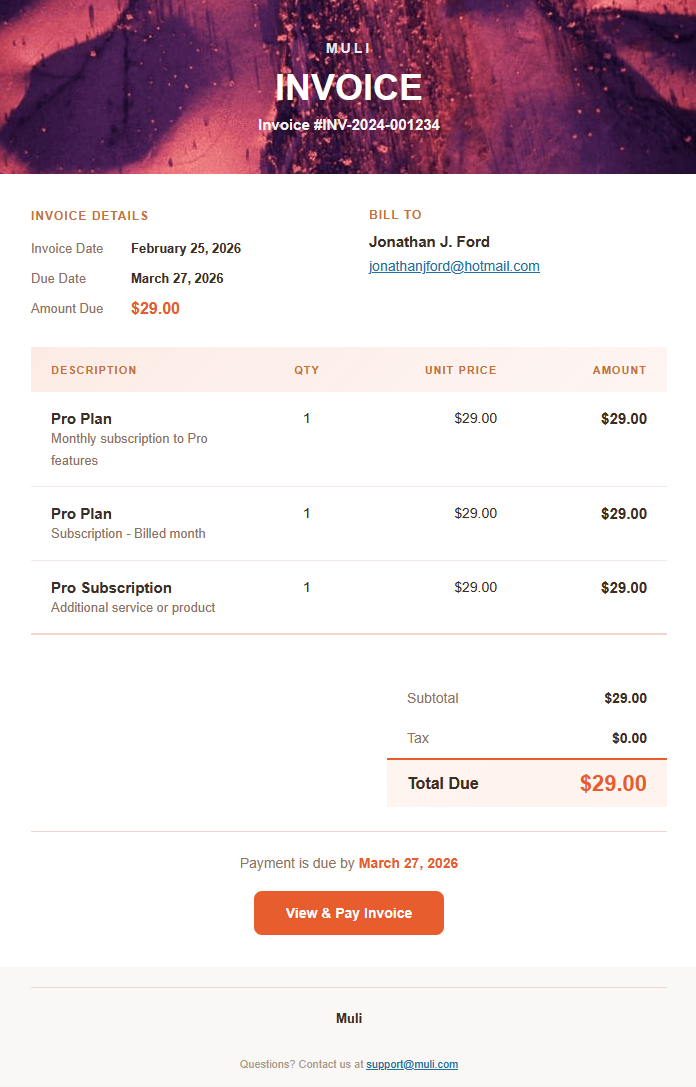
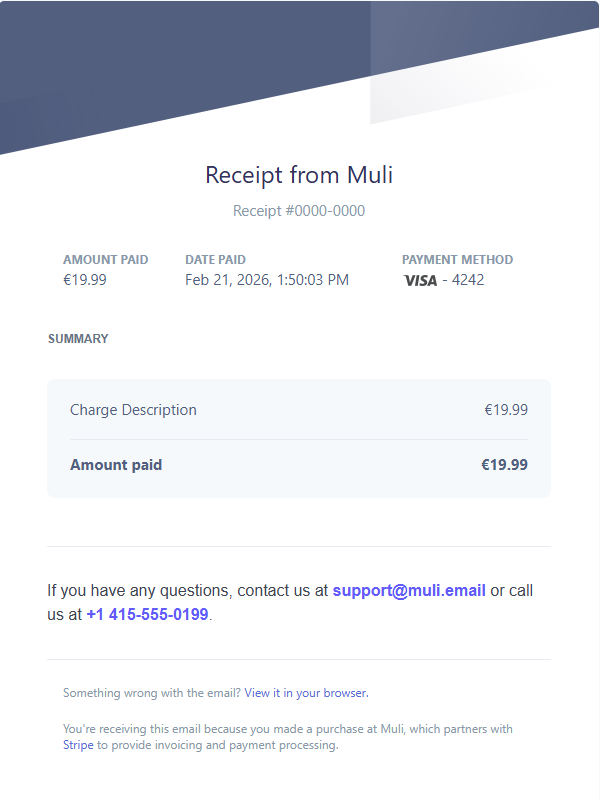
Email automation for Stripe

Your Stripe events
deserve better
emails

Stop sending generic templates. Muli automatically sends beautiful, personalized emails when your customers take action.

Powered by Stripe2-minute setup
Scroll to explore
The Problem

Email chaos is costing you

When you handle customer emails manually, things slip through the cracks. Important moments get missed. Revenue walks out the door.

SENT LATE

3 days late

FAILED

Never sent

MISSED

Wrong customer

SENT LATE

Sent after churn

FAILED

Template error

MISSED

Forgot to send

Overflowing inbox

67%

of cancellations happen without any outreach

$890

average monthly revenue lost to silent churn

3.2 hrs

spent weekly on manual email follow-ups
The Manual Workflow

8 steps. Every. Single. Time.

1

Stripe Event

Customer cancels

2

Check Dashboard

See what happened

3

Copy Data

Get customer info

4

Open Email Tool

Switch context

5

Find Template

Search for it

6

Personalize

Edit the copy

7

Send Email

Finally...

8

Repeat

Every. Time.

Average time: 12 minutes per email
!

Missed the cancellation by 2 hours

!

Customer already churned

!

Wrong template sent to VIP

!

Revenue lost: $890/mo

There has to be a better way...

The Solution

What if Stripe handled your emails?

Connect Muli to your Stripe account. Set up your triggers.Every important event sends the perfect email automatically.

Customer cancels

Stripe event triggers

Email sends instantly

2 seconds later

Customer returns

Revenue saved

12 min

Manual process

2 sec

With Muli

Features

Everything you need.
Nothing you don't.

Visual Email Builder

Drag-and-drop blocks to create beautiful emails. No coding required. Preview in real-time.

Button

Stripe Events

Trigger emails on any Stripe event—subscriptions, payments, invoices, and more.

customer.subscription.deleted
invoice.paid
charge.failed

Live Preview

See exactly what your customers will receive before you send.

Custom Branding

Match your brand colors, fonts, and style. Make every email feel like you.

Delivery Analytics

Track bounces, clicks, and delivery rates. Know what's working.

Test Emails

Send test emails with "real" customer test data. Perfect every message before it goes live.

Set up in under 2 minutes. No code required.

Simple Pricing

Choose your plan and scale

Get started in under 2 minutes.

Free

Free

Just log in and get started — everything in Starter, but with test emails only

  • Full email template editor
  • All preset templates
  • 3 test emails per day
  • No credit card required
Try for Free

Starter

$30$20/month

Perfect for getting started with email automation

  • Unlimited email templates
  • 5 Stripe event types
  • Custom email branding
  • Test email sending
  • Email delivery logs
Get Started
Most Popular

Pro

$40$30/month

Everything you need to scale your business

  • Everything in Starter
  • All Stripe event types
  • Advanced email editor
  • Custom styles & themes
  • Priority email support
Get Started
Secure payment powered by Stripe
7-day money-back guarantee

Ready to automate your customer emails?

Get Started Today
FAQ

Frequently asked questions

Everything you need to know about Muli.

Muli uses Stripe Connect for a secure, one-click integration. You authorize Muli to listen to your Stripe events — no API keys to copy, no webhook URLs to configure. You can disconnect at any time from your dashboard.

Muli supports all major Stripe events including customer.subscription.deleted (cancellations), invoice.payment_failed (failed payments), checkout.session.completed (new purchases), customer.subscription.updated (plan changes), and many more. You choose which event triggers each email template.

No. Everything works through the visual interface — from connecting Stripe to building email templates to going live. There are no webhooks to configure, no HTML to write, and no deployment steps.

Emails are typically sent within seconds of the Stripe event occurring. Muli processes incoming webhooks in real-time and delivers emails through Resend, a high-performance email infrastructure with a 98.7% delivery rate.

Yes. You can use smart variables like {{customerName}}, {{customerEmail}}, {{amount}}, {{productName}}, and more. These are automatically filled with real data from the Stripe event when the email is sent.

The Free plan gives you access to the full email editor, all preset templates, and 3 test emails per day — but you cannot enable templates for production sending. Paid plans (Starter and Pro) let you enable templates so emails are sent automatically when Stripe events occur, plus unlimited test emails.

Absolutely. Muli offers two testing modes: Quick Test sends an instant preview to your inbox, and Stripe Test simulates a real Stripe webhook event end-to-end. Free plan users get 3 test emails per day; paid plans get unlimited testing.

Yes. Muli verifies every incoming Stripe webhook signature to prevent spoofing. We use Stripe Connect (OAuth) for authentication — we never store your Stripe secret keys. All data is transmitted over HTTPS.

Yes. You can customize colors, add your logo, set a custom sender name, and create reusable style presets. Pro plan users also get access to advanced custom styles and themes.

Your templates remain saved but are automatically disabled for production sending. You can still access the dashboard, edit templates, and send test emails (up to 3 per day). Re-subscribe anytime to re-enable automated sending.